Huawei Manager APK,
Complete Modem Management download huawei manager apk, huawei manager mobile apk latest version, hm mobile download, best huawei lte modem manager, lte signal finder, b312 b311 b310 orbit star app, huawei modem manager apk, hmanager app
Monitor signal quality, manage WiFi, track data usage, control connected devices, and more — all from your Android phone.
Built with Expo SDK 54


Huawei Modem Manager Features
Everything you need to manage your Huawei LTE modem and find the best signal directly from your phone.
LTE Signal Finder & Monitor
Real-time RSRP, RSRQ, RSSI, and SINR monitoring with Signal Finder mode to locate the best Huawei signal position.
WiFi Management
View and manage WiFi settings, connected devices, and network configurations easily.
Data Usage Tracking
Monitor daily and monthly data consumption with visual charts and detailed statistics.
SMS Management
Read, send, and manage SMS messages through your modem. Supports multi-select delete.
Parental Controls
Create profiles to block or restrict internet access for specific connected devices.
MiFi Battery Status
Monitor battery level and power status on Huawei MiFi devices that support battery reporting.
Dark & Light Mode
Interface that adapts to your system theme preference or toggle manually.
Multi-Language
Full English and Bahasa Indonesia support for all menus, labels, and notifications.
See It in Action
Explore the app interface designed for simplicity and power.
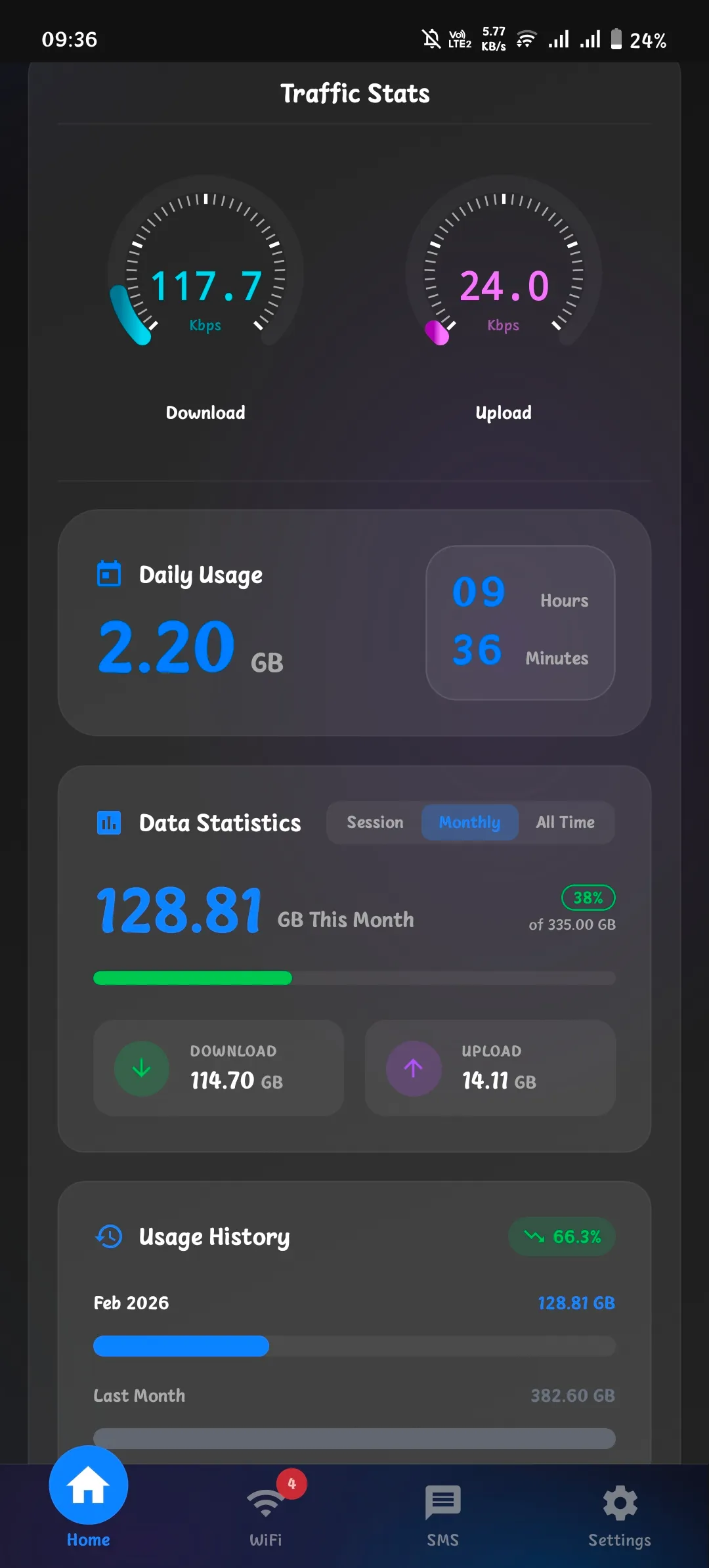
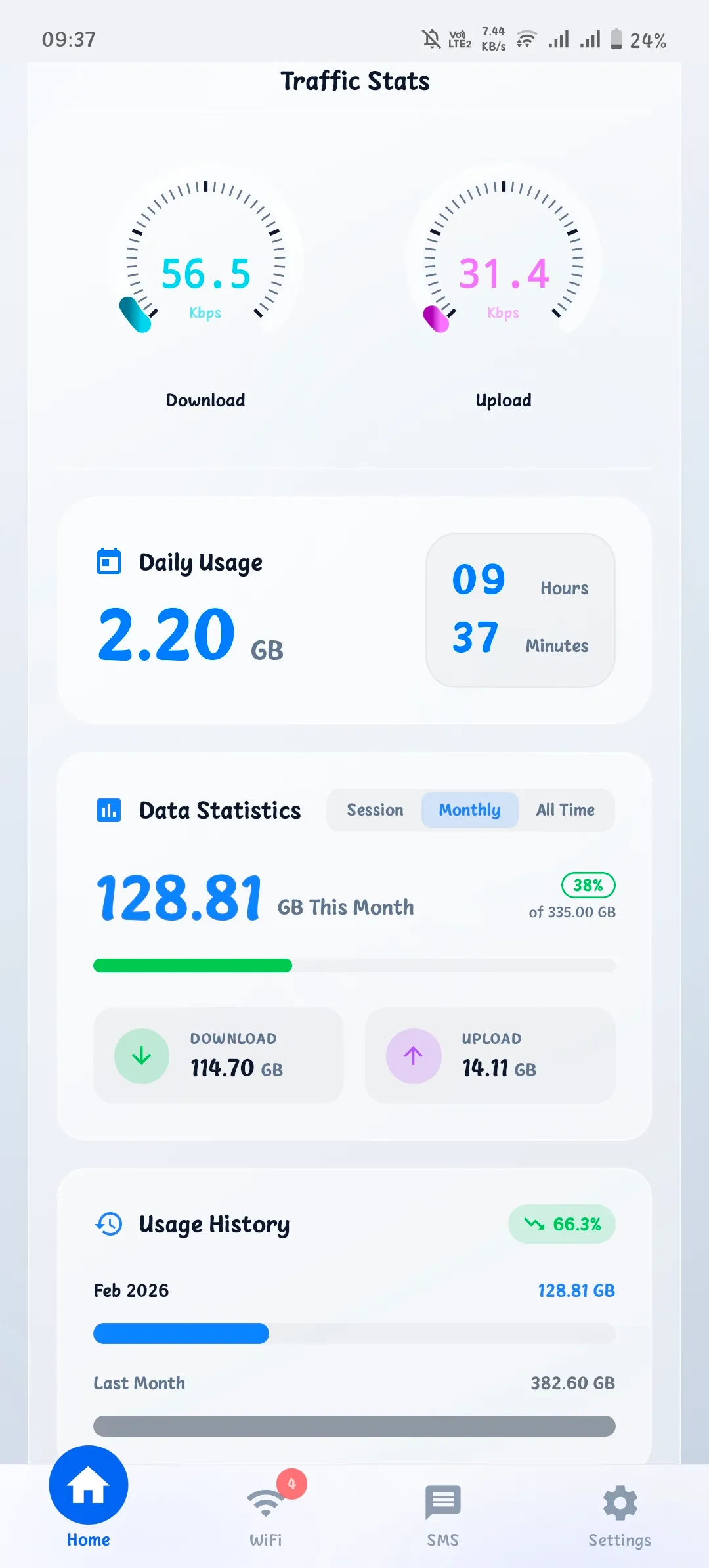
Dashboard
Monitor connection speed, data usage, and usage history in a single view.
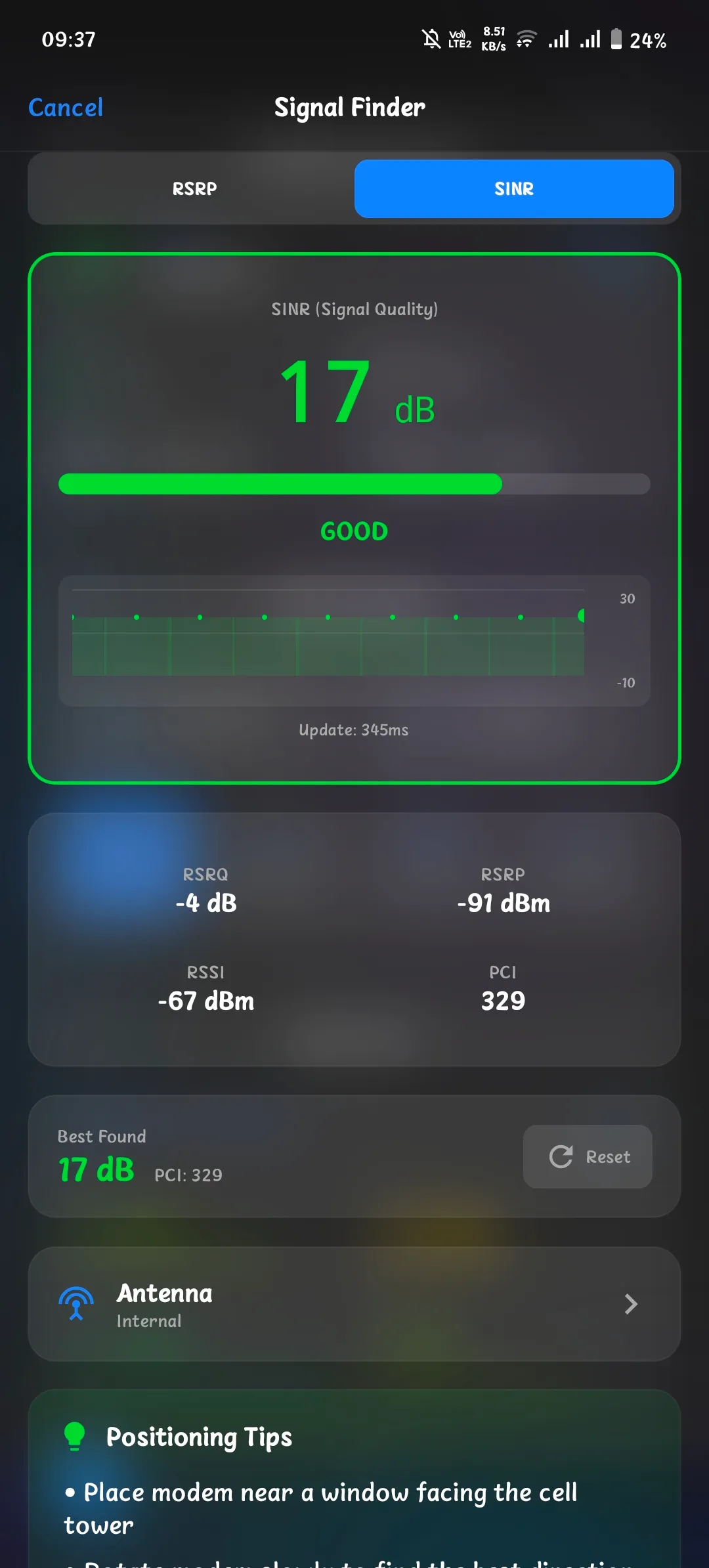
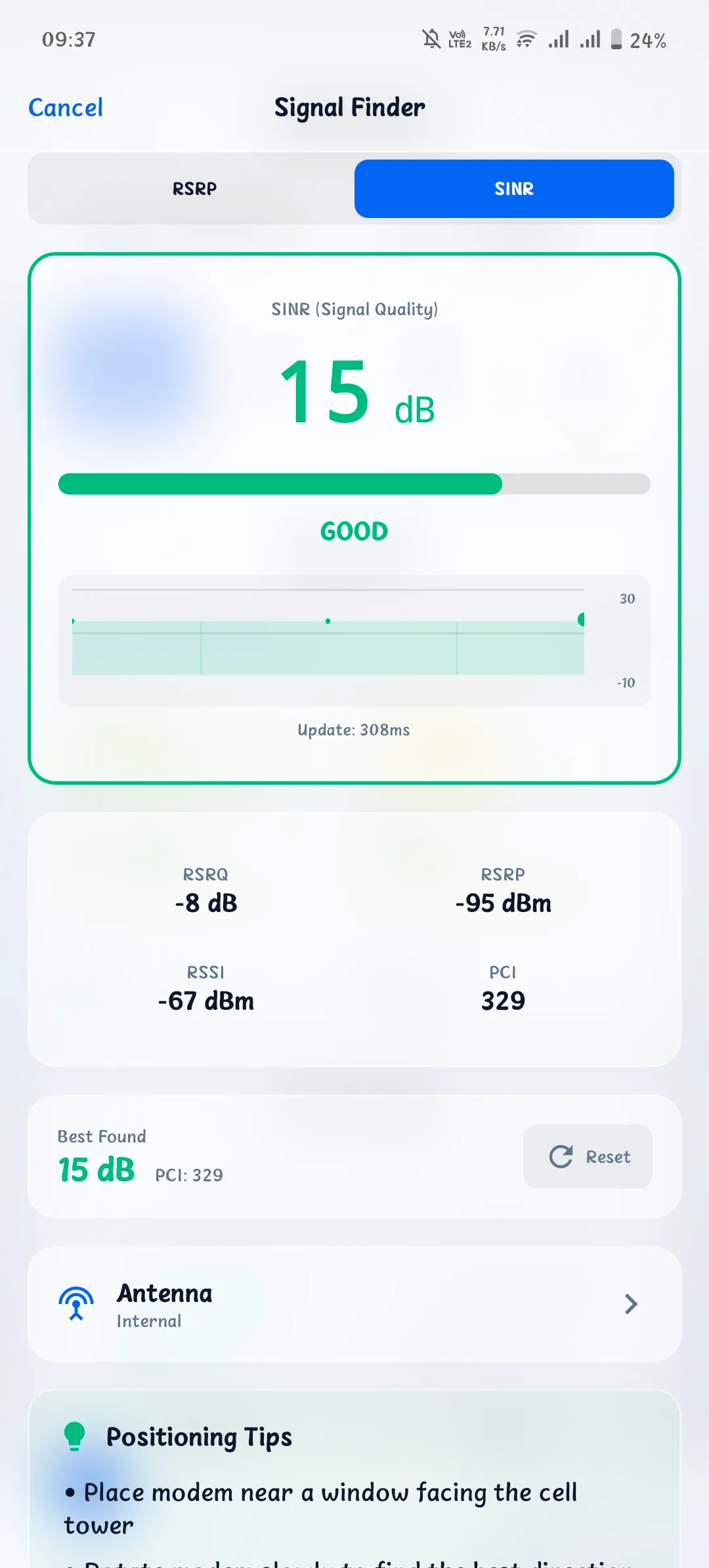
Signal Finder
Find the best position for your modem with real-time RSRP and SINR readings.
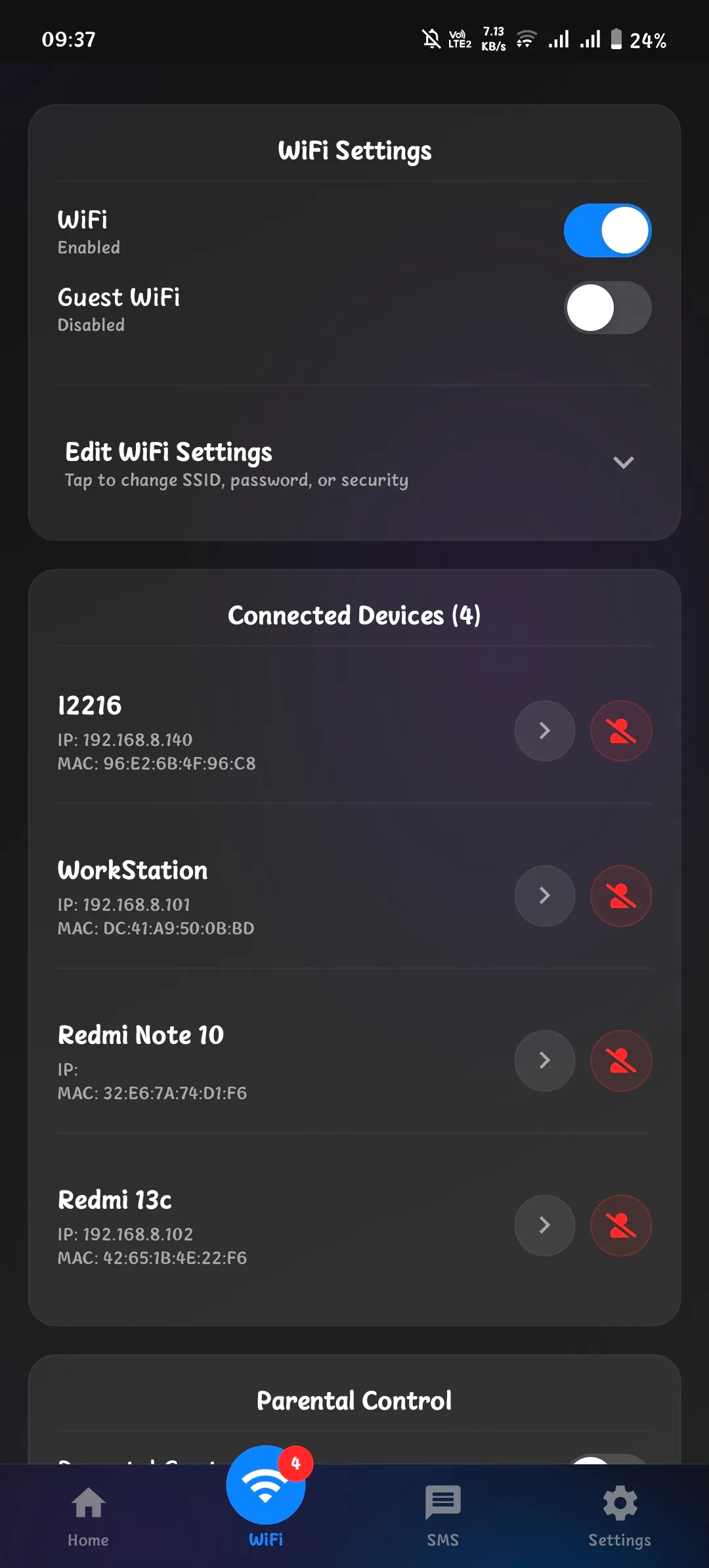
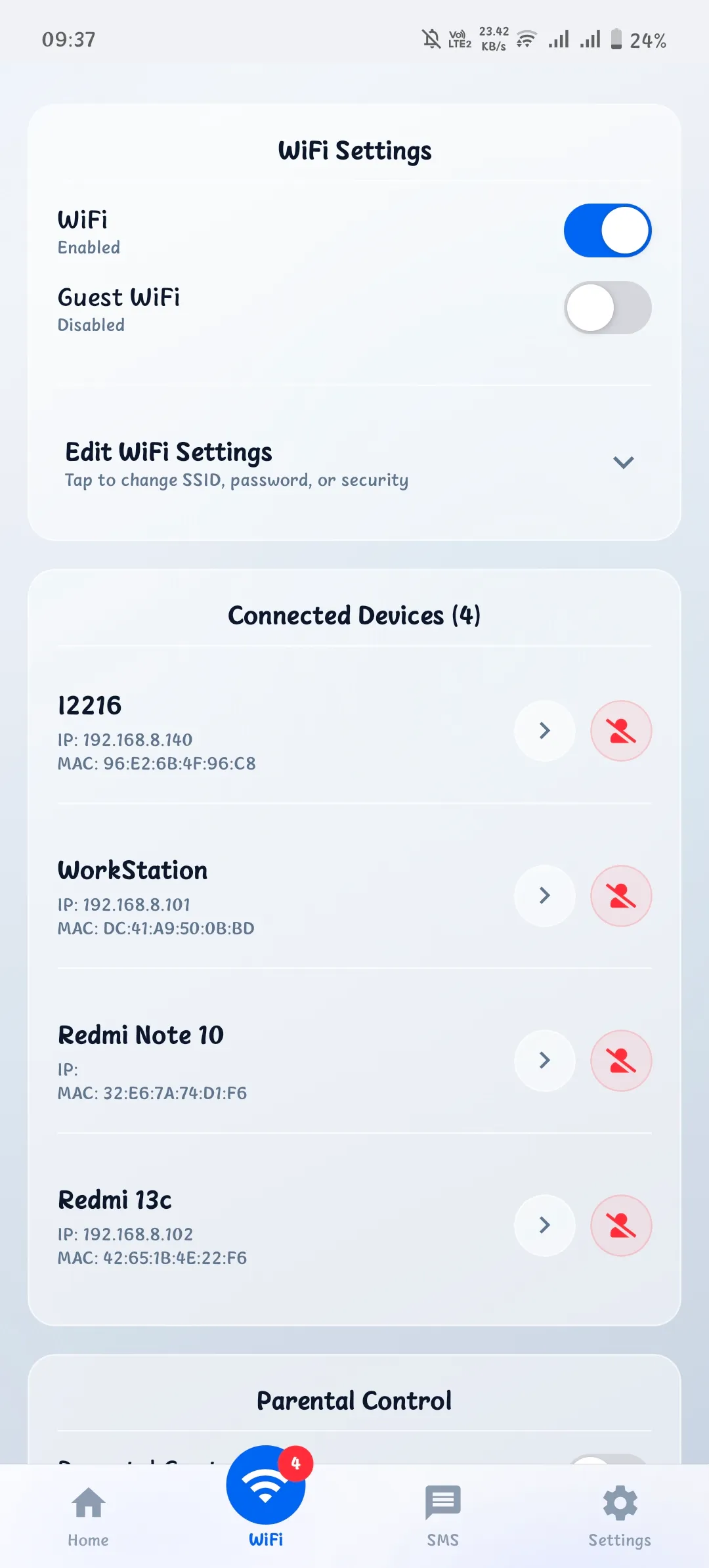
WiFi Management
Manage network settings and see all connected devices.
Supported Devices
Compatible with popular Huawei LTE modem series.
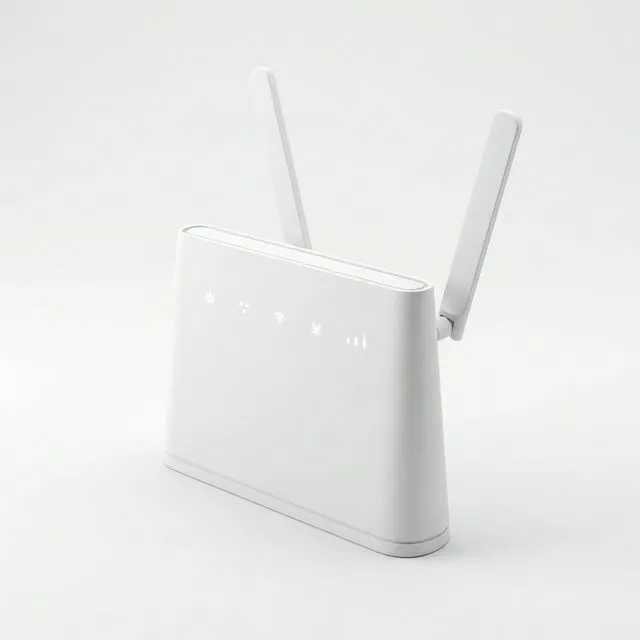
Modem CPE
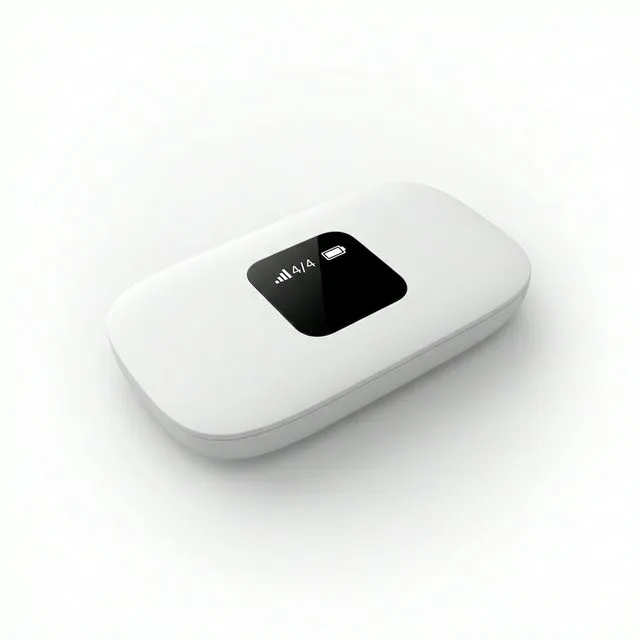
Portable MiFi
And other Huawei LTE modems using the standard API
Download Now
Choose the right APK for your device. Free and open source.
Latest Version: v1.1.25
View Latest Release NotesARM64 (64-bit)
Recommended for most Android phones released after 2016.
35 MB
Download APKARMv7 (32-bit)
For older or low-end 32-bit Android devices. Smaller file size.
29 MB
Download APKUniversal
Contains libraries for all architectures. Use if unsure which version to pick.
85 MB
Download APKHow to Install
- 1 Download the APK suitable for your device (ARM64 recommended).
- 2 Enable "Install from unknown sources" in Android Settings.
- 3 Open the APK file to install.
Support & Feedback
Report bugs or request new features for HM Mobile. We will get back to you via the contact info provided.
Modem Manager FAQ
Quick answers to common questions about the Huawei Manager Mobile app.
Which modems are supported?
Most Huawei LTE modems with standard API support are compatible. This includes the B310, B311, B312 (Modem CPE) or E5573, E5577 (MiFi) series and other Modem/MiFi models. The app has been specifically tested on the Huawei B312-929 (Orbit Star 2).
Can I lock specific 4G/LTE bands?
Yes. If your modem's firmware supports it, the app allows you to select and lock specific frequency bands to improve signal stability or speed.
Does the app track data usage accurately?
The app fetches data consumption statistics directly from the modem. While highly accurate, we recommend cross-checking with your provider's official dashboard for billing purposes.
How does the Signal Finder work?
Signal Finder provides real-time RSRP, RSRQ, and SINR readings with visual and audio feedback, making it easier to find the optimal physical placement for your modem.
Can I manage SMS through the app?
Yes. You can read, send, and even perform multi-select deletion of SMS messages directly from the app interface if your modem supports it.
Is my modem password safe?
Absolutely. Your credentials are stored securely on your device and are only used locally to communicate with your modem. No data is ever sent to external servers.
Is this app free?
Yes, this app is free and open source. You can download and use it at no cost.
Can this app work with the latest Huawei modems?
Yes, this app can work with latest Huawei modems. However, please note that not all Huawei modems support all features of this app. Some features may not be available on certain modems.